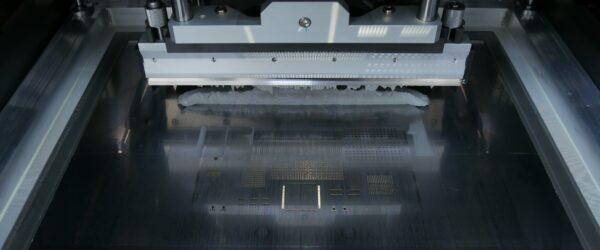
Scooping, slump, print gap and release in stencil printing
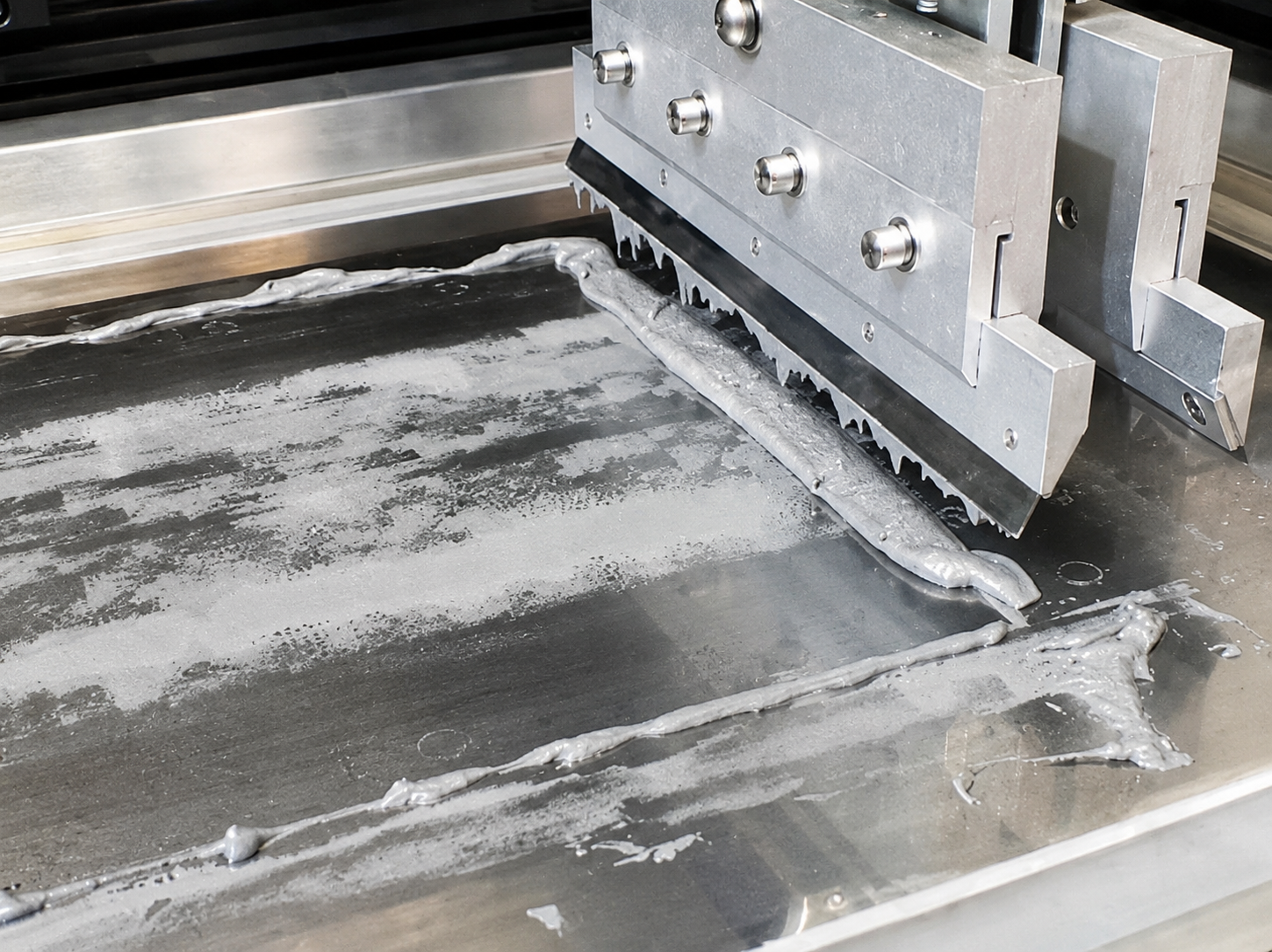
In stencil printing, the correct amount of solder paste needs to be deposited in the right place. This result is not determined by the printer settings alone. Stencil geometry and the behaviour of the solder paste also play an important role.
Four concepts help to better understand this process: scooping, print gap, paste release and slump. Each relates to a different stage during or after printing.
What is scooping?
During printing, the squeegee moves the solder paste across the stencil and fills the apertures.
The squeegee needs to apply sufficient pressure to fill the apertures while leaving the stencil surface clean. The squeegee angle also plays a role. An angle of approximately 60° provides a compromise between filling the apertures and leaving the stencil surface clean.
With scooping, part of the paste is removed from the filled aperture during the squeegee movement. As a result, the paste does not remain completely level inside the aperture.
The squeegee settings should primarily ensure sufficient and repeatable filling of the apertures.
What does print gap mean?
The print gap is the distance between the PCB and the stencil during printing.
In most applications, a print gap of 0 µm is used: the PCB is brought into contact with the stencil. A limited negative gap can also be used to achieve a good seal.
If the stencil and PCB do not make sufficient contact, solder paste can get between them. This can result in paste being deposited outside the intended pads, potentially causing problems such as solder balls, bridging and smearing.
Excessive pressure is not desirable either, as it can increase wear and mechanical stress.
The objective is therefore to achieve a good and repeatable seal between the PCB and the stencil.
What is paste release?
After the print stroke, the PCB and stencil are separated again. During this step, the solder paste needs to release from the apertures and remain on the pads.
This is known as paste release.
Another important factor is transfer efficiency: the extent to which the intended paste volume is actually transferred from the stencil aperture to the PCB.
Good paste release becomes increasingly critical with smaller apertures.
What role does the area ratio play?
The area ratio helps assess the printability of an aperture. It takes into account both the dimensions of the aperture and the thickness of the stencil.
For stencil printing, approximately 0.6 is typically used as a minimum area ratio. Below this ratio, achieving good paste transfer becomes more difficult.
This is particularly relevant for smaller components and apertures. As the geometry becomes smaller, achieving good paste release becomes more challenging.
Separation speed affects release
The speed at which the PCB and stencil are separated also affects paste transfer.
Separation speed is therefore a relevant parameter in stencil printing. The appropriate setting depends on the solder paste and the application.
The objective is to achieve a stable transfer of solder paste from the apertures to the PCB.
What is slump?
After printing, the solder paste needs to retain its shape sufficiently. Slump indicates the extent to which a printed deposit spreads after printing.
This can be assessed by printing deposits close to each other and then checking how well the paste retains its shape.
A distinction is made between:
- Cold slump: the shape stability of the paste at room temperature.
- Hot slump: the shape stability of the paste at an elevated temperature.
Good shape stability is important because deposits that spread can move closer together.
Conclusion: look at when the deviation occurs
Scooping, print gap, paste release and slump describe different stages of the printing process.
Scooping relates to what happens during the squeegee movement. Print gap influences how the PCB and stencil make contact during printing. Paste release concerns the transfer of paste when the PCB and stencil are separated. Slump describes how well the paste retains its shape afterwards.
This distinction helps when analysing an inconsistent printing result. First determine at which stage the deviation occurs, and then look at the parameters that influence that stage.
A stable solder paste print ultimately requires the right combination of printer settings, stencil geometry and solder paste.
Related trainings